 Jamal Ali
c0f76dfff8
Jamal Ali
c0f76dfff8
- Fixes #1675

## Problem

In the layer list, the show/hide button's `title` tooltip named the
layer's
current visibility instead of what a click does. A visible layer's
button read
`show` while clicking it hides the layer, and a hidden layer's button
read
`hide` while clicking it shows the layer — exactly reversed.

`LayerListItem.tsx` derived a single value from the layer state:

```ts
const visibilityAction = visibility === "visible" ? "show" : "hide";
```

and passed it to `IconAction` as `action`, which `IconAction` used for
three
different things: choosing the icon, building the `--show`/`--hide` CSS
modifier, and rendering `title={this.props.action}`. The first two are
correct
as a state indicator; only the tooltip needs the opposite verb.

## Change

- `IconAction` gets an optional `title` prop and falls back to `action`
when it
  is not given, so the delete and duplicate buttons are unchanged.
- `LayerListItem` keeps `visibilityAction` (icon +
`maputnik-layer-list-icon-action__visibility--hide`
CSS modifier, which `_layer.scss` relies on to keep the button visible
for
  hidden layers) and adds `visibilityTitle` for the inverted tooltip.

No icon, class name or click behaviour changes.

## Test

New regression test in `e2e/layers-list.spec.ts`: it asserts the button
is
titled `hide` while the layer is visible, clicks it, and asserts it is
titled
`show` once the layer is hidden. Against the unpatched component the
first
assertion fails with `Expected: "hide"` / `Received: "show"`,
reproducing the
reported behaviour.

`npm run lint`, `npx tsc --noEmit`, `npx vitest run` (50 tests) and
`npx playwright test e2e/layers-list.spec.ts` (28 tests) all pass.

## Note

The tooltips in this component (`delete`, `duplicate`, `show`, `hide`)
are
plain English literals and are not run through `t()` today, so this
change
keeps them as-is rather than introducing translation keys for one
button. Also
worth flagging separately: these buttons carry `aria-hidden="true"`, so
the
`title` never reaches assistive technology at all — out of scope here,
but it
means the label is a mouse-hover tooltip only.

Maputnik


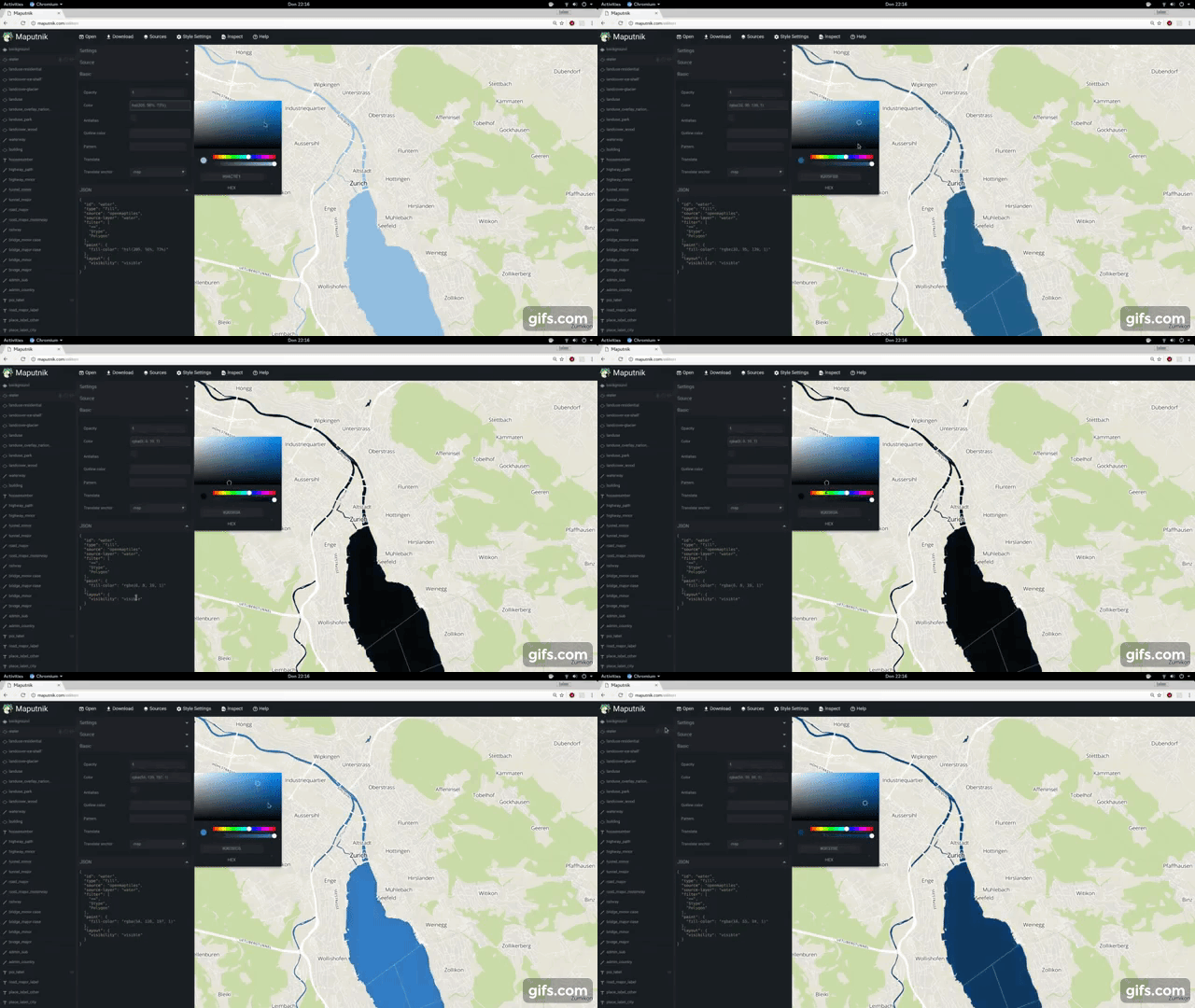
A free and open visual editor for the MapLibre GL styles targeted at developers and map designers.
Usage
- 🔗 Design your maps online at https://www.maplibre.org/maputnik/ (all in local storage)
- 🔗 Use the Maputnik CLI for local style development
- In a Docker, run this command and browse to http://localhost:8888, Ctrl+C to stop the server.
docker run -it --rm -p 8888:8000 ghcr.io/maplibre/maputnik:main
To see the CLI options (for example file watching or style serving) run:
docker run -it --rm -p 8888:8000 ghcr.io/maplibre/maputnik:main --help
You might need to mount a volume (-v) to be able to use these options.
Documentation
The documentation can be found in the Wiki. You are welcome to collaborate!
- 🔗 Study the Maputnik Wiki
- 📹 Design a map from Scratch https://youtu.be/XoDh0gEnBQo
Develop
Maputnik is written in typescript and is using React and MapLibre GL JS.
We ensure building and developing Maputnik works with the current active LTS Node.js version and above.
Check out our Internationalization guide for UI text related changes.
Getting Involved
Join the #maplibre or #maputnik slack channel at OSMUS: get an invite at https://slack.openstreetmap.us/ Read the the below guide in order to get familiar with how we do things around here.
Install the deps, start the dev server and open the web browser on http://localhost:8888/.
# install dependencies
npm install
# start dev server
npm run start
If you want Maputnik to be accessible externally use the --host option:
# start externally accessible dev server
npm run start -- --host 0.0.0.0
The build process will watch for changes to the filesystem, rebuild and autoreload the editor.
npm run build
Lint the JavaScript code.
# run linter
npm run lint
npm run lint-css
npm run sort-styles
Tests
End-to-end tests
For E2E testing we use Playwright. The tests live in the e2e directory and drive the app through the MaputnikDriver page object.
The first time you run the tests, install the browser:
npx playwright install chromium
Playwright automatically starts the dev server (npm run start) for you, so you can just run:
npm run test
Some useful options:
# see the tests run in a headed browser
npm run test -- --headed

# run a single spec / filter by title
npm run test -- e2e/map.spec.ts
npm run test -- -g "zoom level"

# open the interactive UI mode
npx playwright test --ui
Running the E2E tests also produces a code-coverage report in coverage/ (collected via istanbul instrumentation of the dev server).
Unit & component tests
Unit tests and component tests run with Vitest; component tests (*.browser.test.tsx) use Vitest's browser mode with the Playwright provider.
npm run test-unit
Release process
- Review
CHANGELOG.md- Double-check that all changes included in the release are appropriately documented.
- To-be-released changes should be under the "main" header.
- Commit any final changes to the changelog.
- Run Create bump version PR by manual workflow dispatch and set the version number in the input. This will create a PR that changes the changelog and
package.jsonfile to review and merge. - Once merged, an automatic process will kick in and creates a GitHub release and uploads release assets.
Sponsors
Thanks to the supporters of the Kickstarter campaign. This project would not be possible without these commercial and individual sponsors. You can see this file's history for previous sponsors of the original Maputnik repo. Read more about the MapLibre Sponsorship Program at https://maplibre.org/sponsors/.
License
Maputnik is licensed under MIT and is Copyright (c) Lukas Martinelli and Maplibre contributors. As contributor please take extra care of not violating any Mapbox trademarks. Do not get inspired by other map studios and make your own decisions for a good style editor.