 60785f53bc
## Launch Checklist

This adds information about how to translate Maputnik and how to get in
touch with people who have translated in the past.
@keichan34, @jieme, @lhapaipai - I need your approval for this so that
people in the future will know to contact you in case text is being
added and they need help translating it.

CC: @ianthetechie

I've also changed the word "Language" in the upper part of the screen so
that it won't be translated in case you accidentally switch language,
and you need to switch back.

I've also fixed some RTL issues in the CSS and updated the maplibre
components labels when the language changes.
4.4 KiB

Maputnik


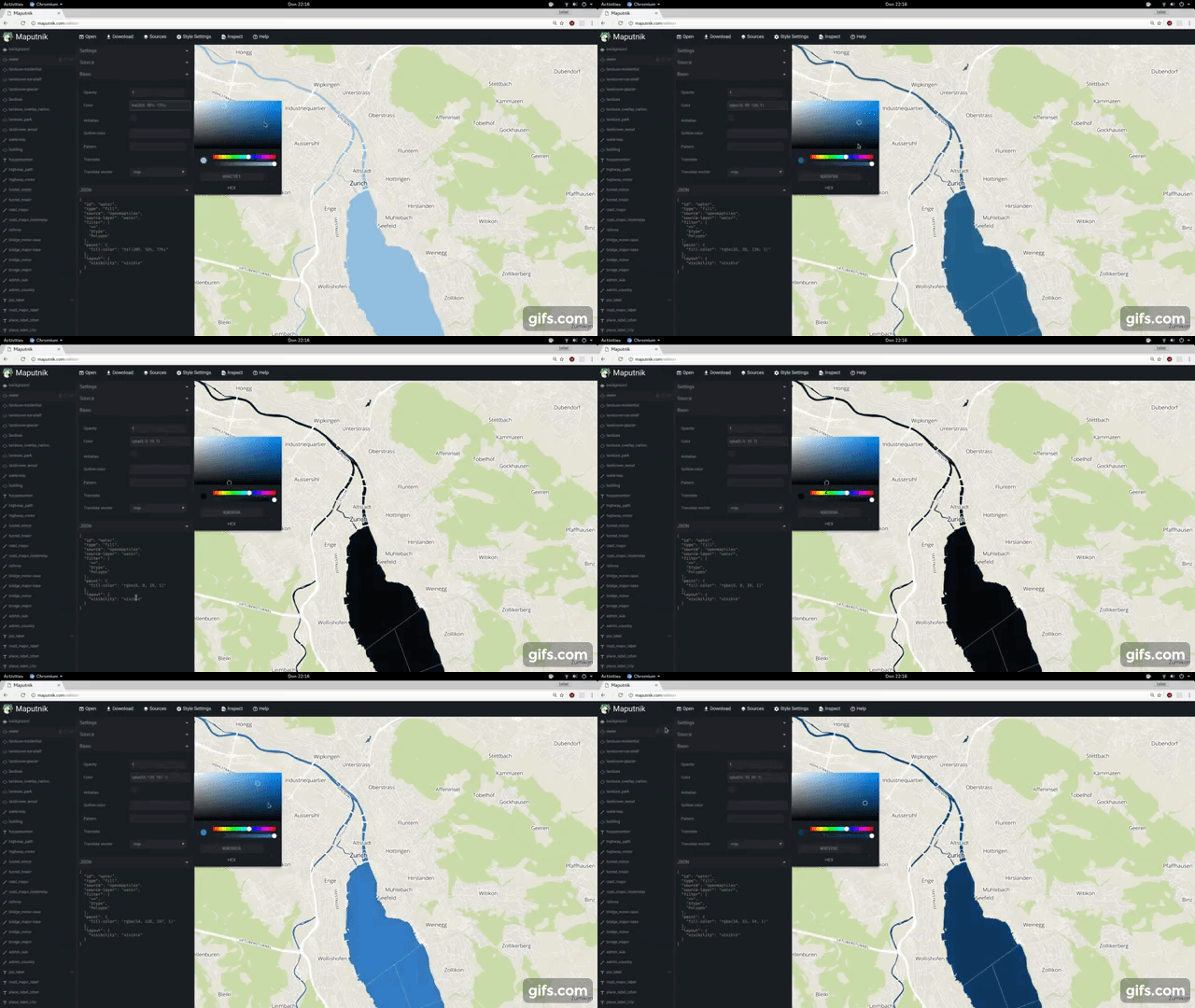
A free and open visual editor for the MapLibre GL styles targeted at developers and map designers.
Usage
- 🔗 Design your maps online at https://www.maplibre.org/maputnik/ (all in local storage)
- 🔗 Use the Maputnik CLI for local style development
- In a Docker, run this command and browse to http://localhost:8888, Ctrl+C to stop the server.
docker run -it --rm -p 8888:80 ghcr.io/maplibre/maputnik:main
Documentation
The documentation can be found in the Wiki. You are welcome to collaborate!
- 🔗 Study the Maputnik Wiki
- 📹 Design a map from Scratch https://youtu.be/XoDh0gEnBQo
Develop
Maputnik is written in typescript and is using React and MapLibre GL JS.
We ensure building and developing Maputnik works with the current active LTS Node.js version and above.
Check out our Internationalization guide for UI text related changes.
Getting Involved
Join the #maplibre or #maputnik slack channel at OSMUS: get an invite at https://slack.openstreetmap.us/ Read the the below guide in order to get familiar with how we do things around here.
Install the deps, start the dev server and open the web browser on http://localhost:8888/.
# install dependencies
npm install
# start dev server
npm run start
If you want Maputnik to be accessible externally use the --host option:
# start externally accessible dev server
npm run start -- --host 0.0.0.0
The build process will watch for changes to the filesystem, rebuild and autoreload the editor.
npm run build
Lint the JavaScript code.
# run linter
npm run lint
npm run lint-css
npm run sort-styles
Tests
For E2E testing we use Cypress
Cypress doesn't starts a server so you'll need to start one manually by running npm run start.
Now open a terminal and run the following using chrome:
npm run test
or firefox:
npm run test -- --browser firefox
See the following docs for more info: (Launching Browsers)[https://docs.cypress.io/guides/guides/launching-browsers]
You can also see the tests as they run or select which suites to run by executing:
npm run cy:open
Release process
- Review
CHANGELOG.md- Double-check that all changes included in the release are appropriately documented.
- To-be-released changes should be under the "main" header.
- Commit any final changes to the changelog.
- Run Create bump version PR by manual workflow dispatch and set the version number in the input. This will create a PR that changes the changelog and
package.jsonfile to review and merge. - Once merged, an automatic process will kick in and creates a GitHub release and uploads release assets.
Sponsors
Thanks to the supporters of the Kickstarter campaign. This project would not be possible without these commercial and individual sponsors. You can see this file's history for previous sponsors of the original Maputnik repo. Read more about the MapLibre Sponsorship Program at https://maplibre.org/sponsors/.
License
Maputnik is licensed under MIT and is Copyright (c) Lukas Martinelli and Maplibre contributors. As contributor please take extra care of not violating any Mapbox trademarks. Do not get inspired by other map studios and make your own decisions for a good style editor.